Agentic AI Workflows: A 2026 Architecture and Control Guide
A practical guide to deciding when a fixed automation is enough and when model-directed tool use justifies stronger permissions, evaluation, approval, and recovery controls.
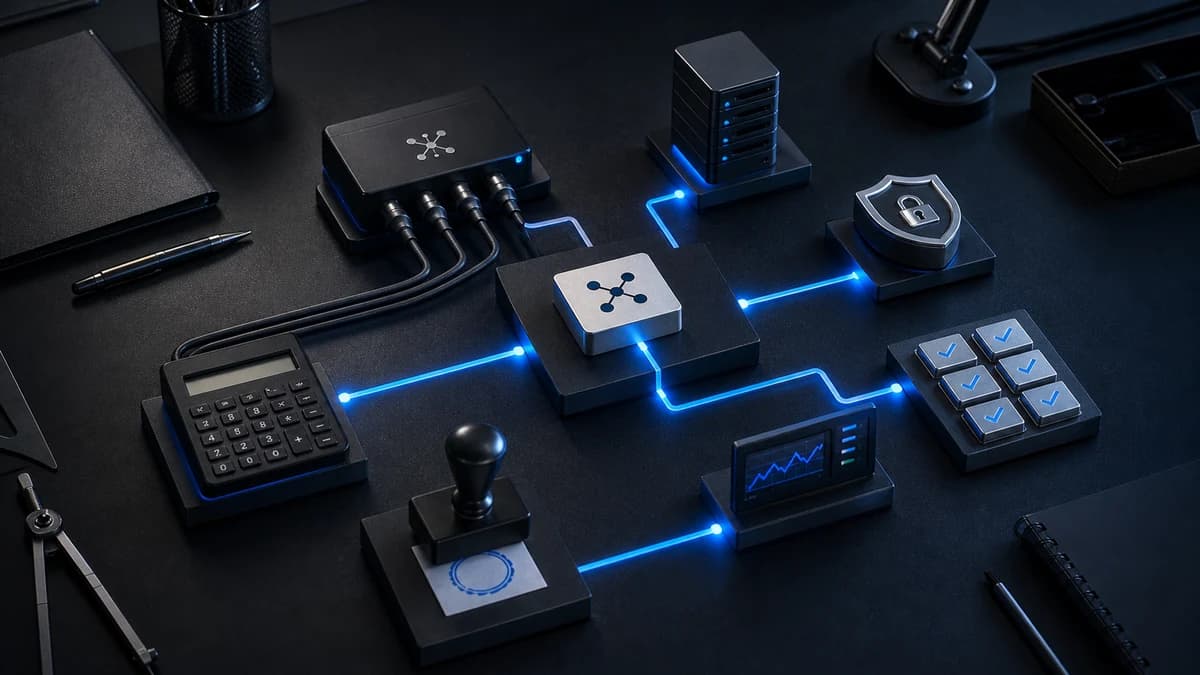
 Agent action loop
Decision brief
The short answer
Use agentic control only for the part of a workflow where the next step cannot be reliably fixed in advance. Keep permissions narrow, move consequential actions behind approval, record the full action trajectory, and design recovery before increasing autonomy.
Benchmark the agent against a fixed workflow on representative tasks.
Evaluate tool selection, arguments, final outcome, cost, and recovery behavior.
Prove that a failed action can be stopped, traced, and safely recovered.
At a glance
What to carry into the decision
- Use fixed workflows for predictable work and agents only where flexible planning is genuinely valuable.
- Constrain tool permissions and require approval before high-impact or irreversible actions.
- Evaluate trajectories, tool choices, final outcomes, cost, and recovery behavior.
Traditional automation is deterministic: if event A happens, execute action B. This works for simple data transfers - when a payment clears, update the spreadsheet. But business processes are rarely that clean. What happens when a customer email requires interpreting intent, checking multiple systems, and making a judgment call about the appropriate response? Traditional automation breaks down because it cannot handle ambiguity.
Agentic AI fills this gap. It combines the reliability of structured automation with the reasoning capability of large language models to handle processes that live in the gray area between "fully automated" and "requires a human."
What Makes a Workflow "Agentic"?
An agentic workflow has three properties that distinguish it from traditional automation:
1. Reasoning Under Ambiguity
A traditional automation triggers on exact conditions: "if status equals PAID, then create invoice." An agentic workflow reasons about context: "this email is from a customer requesting a scope change. Based on their contract terms and the current project status, this requires a change order rather than a simple acknowledgment."
The agent evaluates unstructured inputs (emails, documents, messages) and determines the appropriate action based on business rules, context, and judgment - not just pattern matching.
2. Multi-Step Tool Orchestration
An agent does not just call one API. It orchestrates a sequence of tool calls that depend on intermediate results:
- Read the incoming customer email
- Extract the client name and project reference
- Look up the project in the PM tool
- Check the contract terms in the CRM
- Determine whether the request is within scope
- Draft an appropriate response with relevant details
- Send the draft for human approval (or auto-respond if within policy)
Each step depends on the output of the previous step. The agent makes decisions at each junction - something a Zapier workflow cannot do.
3. Graceful Degradation
When a deterministic automation encounters an unexpected input, it may fail or route to a generic exception path. An AI-assisted workflow can be designed to validate its output, apply an agreed confidence rule, and escalate ambiguous cases with the relevant context. Confidence values must be calibrated against real examples rather than treated as self-evident truth.
Five Agentic Workflow Patterns to Evaluate
1. Intelligent Email Triage and Response
An agent monitors a team inbox, classifies each email by type and urgency, drafts responses based on approved context, and queues actions according to policy. Measure handling time and correction rate before claiming a saving.
2. Contract and Document Analysis
An agent can extract defined terms from incoming contracts, compare them with an approved playbook, and flag deviations for qualified legal review. It should assist review rather than be represented as legal advice or a replacement for accountable review.
3. Competitive Intelligence Gathering
An agent monitors competitor websites, press releases, social media, and job postings on a weekly schedule. It synthesizes findings into a structured brief: new product launches, pricing changes, hiring signals, and strategic shifts. Delivered to your Slack channel every Monday morning.
4. Customer Onboarding Orchestration
When a new customer signs up, a controlled workflow can create a workspace, provision permitted access, prepare a welcome sequence, request scheduling, and create milestone tasks. Exceptions and sensitive access changes should remain visible to an operator.
5. Financial Reconciliation
An agent matches incoming payments to outstanding invoices, identifies discrepancies (partial payments, overpayments, duplicate charges), categorizes exceptions by type and severity, and prepares a daily reconciliation report for your finance team.
Building Agentic Workflows: The Architecture
The stack for agentic workflows typically includes:
- Orchestration layer: n8n or LangGraph for defining the agent's decision tree and tool connections
- LLM backbone: currently evaluated model classes selected separately for reasoning, classification, and routing
- Tool integrations: API connections to your CRM, PM tool, email system, and databases
- Memory/context: Vector database for long-term knowledge, conversation history for short-term context
- Human-in-the-loop: Slack/email approval workflows for high-stakes decisions
The Key Constraint: Trust and Control
The biggest barrier to agentic AI adoption is not technology - it is trust. Executives are uncomfortable with autonomous systems making decisions on behalf of the company.
The solution is graduated autonomy:
- Stage 1 - Observe: The agent processes inputs and generates recommendations, but a human approves every action
- Stage 2 - Assist: The agent auto-executes routine actions (email responses, data updates) but escalates anything non-standard
- Stage 3 - Automate: The agent handles only the request classes that have met the agreed quality, safety, and escalation thresholds
Progress between stages is based on measured outcomes, error severity, policy approval, and operational readiness - not a universal calendar target.
Getting Started
Do not try to automate everything at once. Pick one workflow with a measurable baseline and clear success criteria. Run it in observe mode for an agreed evaluation period, review errors and exceptions, and increase autonomy only for request classes that meet the threshold.
Repeat the measurement after launch. Report observed capacity, quality, and cost changes with their baseline and period instead of assigning a generic multiplier.
Evidence and scope
What this guide is based on
The patterns describe architecture choices, not permission to automate consequential actions without domain, security, privacy, and legal review.
Intended for: Product and operations teams assessing whether agent autonomy fits a business workflow.
Frequently Asked Questions
What is an agentic AI workflow?+
How is agentic AI different from regular automation?+
Is agentic AI safe for business-critical processes?+
Related Articles



Written by
Zamad Shakeel
Founder & CEO, ZamDev AI · Full-Stack Engineer & AI Systems Builder
Zamad designs and ships AI products, agentic workflows, enterprise automations, and the production controls that make those systems dependable after launch.
linkedin.com/in/zamad-gopang →Turn the decision into a working system.
ZamDev AI helps teams design and deliver AI products, connected automations, knowledge systems, and production improvements with a clear scope and measurable acceptance criteria.
Or WhatsApp us directly: +92 328 635 6880